 Available on iOS and Android
 Perform Full Ticket Checks
 Custom Notifications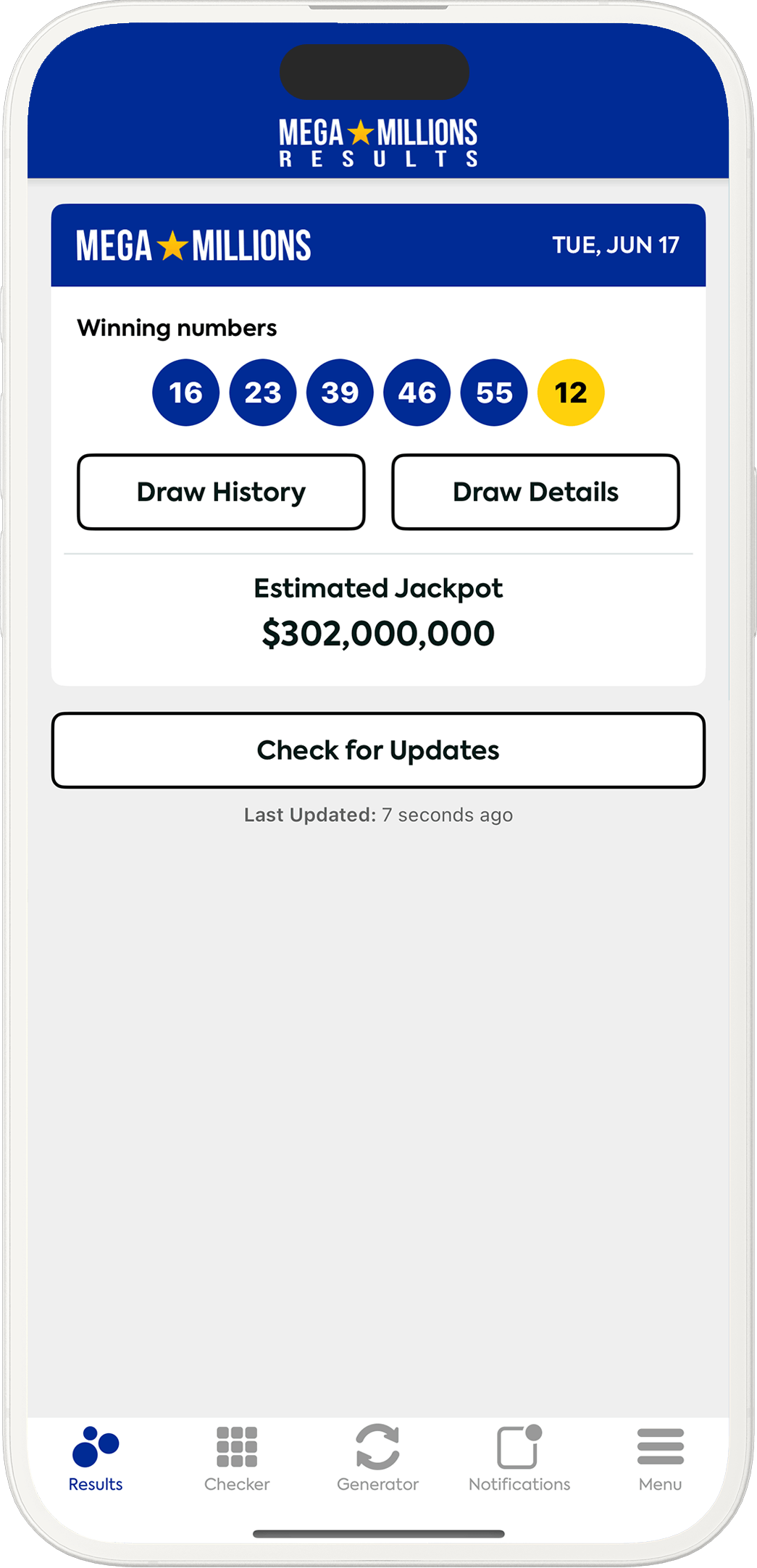
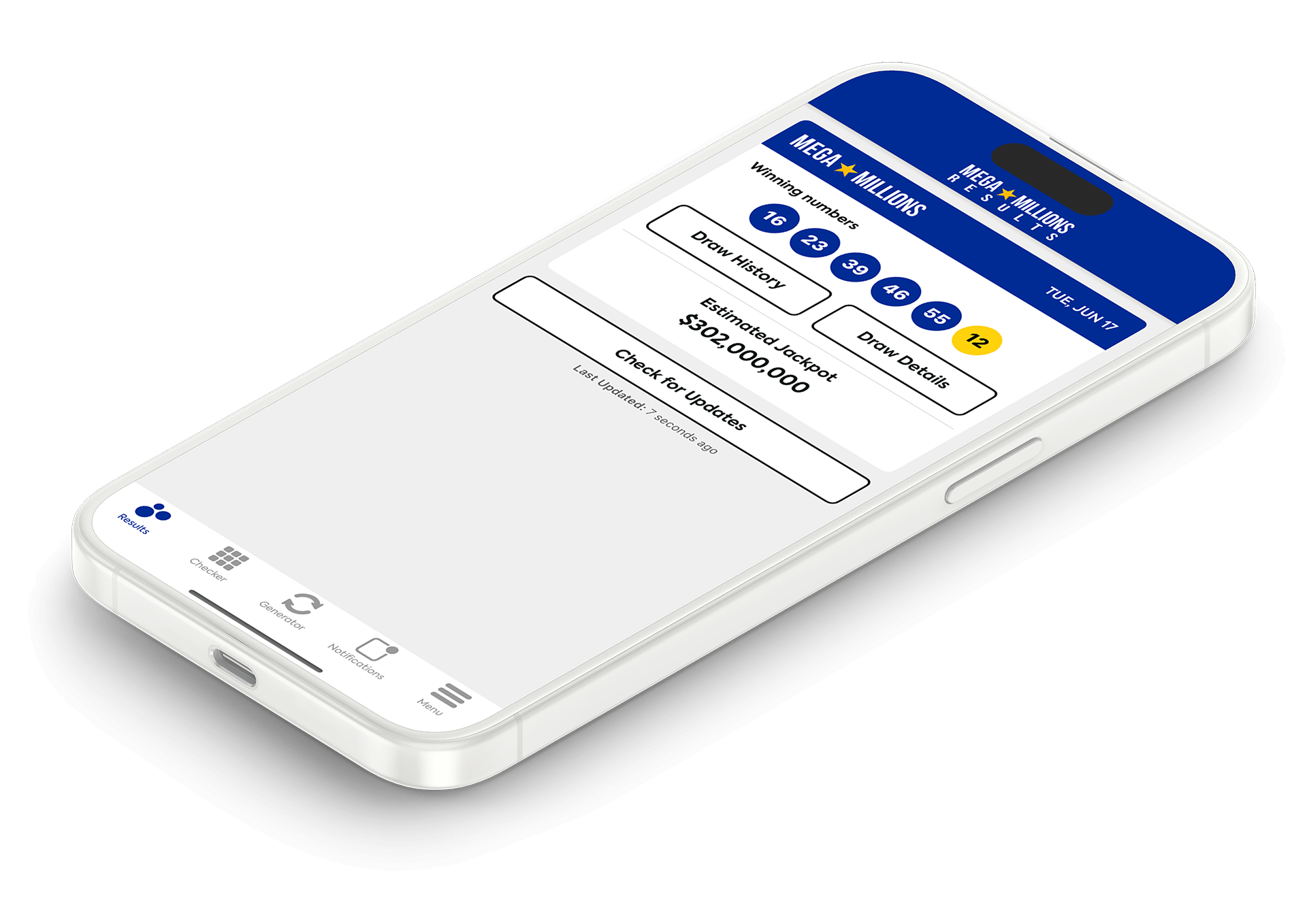
Download for free on iOS and Android today


Download the Mega Millions app and you will find the complete toolkit to get even more enjoyment out of the multi-state which offers huge jackpots every Tuesday and Friday night. It’s completely free for both iOS and Android.
It just takes a few seconds to install the app and you will find the latest winning numbers on the home screen as soon as you open it up. These are updated straight after drawings take place and you can tap for more details.
You’ll see the payouts for your state, as well as the total number of winners from across the U.S. You can select your location when you download the app or it is easy to change it any time to view the results from somewhere else.
Mega Millions is one of the largest lotteries in the world, with jackpots that have been known to go above $1 billion. It’s important to check your numbers accurately after a drawing and this app makes it quick and easy to do so. The Ticket Checker is just one of several useful features:
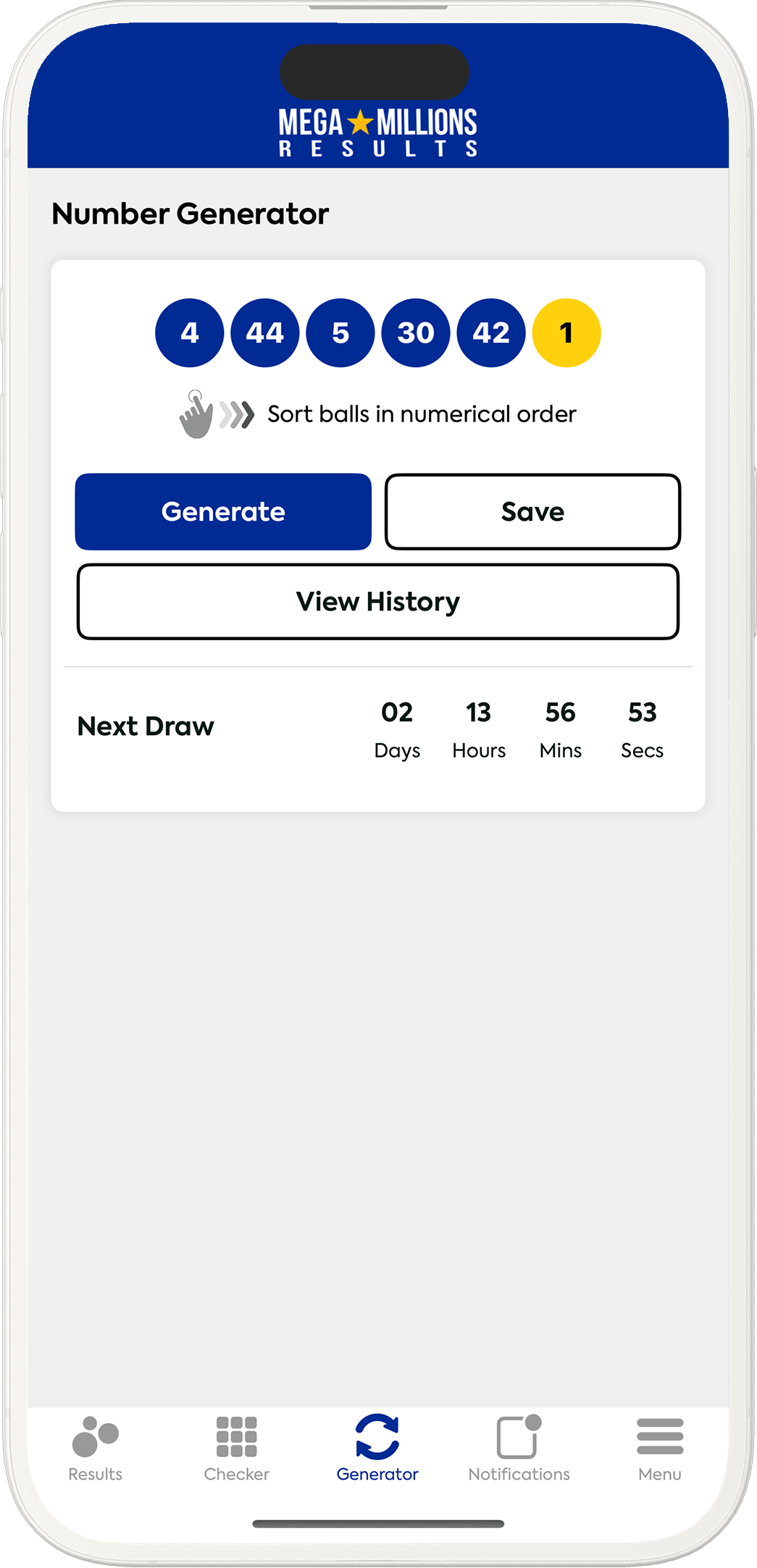
Choosing the right numbers could land you hundreds of millions of dollars. The Generator produces five random numbers from 1 to 70, followed by a Mega Ball between 1 and 24. It’s fun, fast and simple to use. Unlike a Quick Pick, you also get a choice over whether you want to use those numbers before you buy a ticket. You can generate another set if you prefer, and then save down any numbers you like so that they are stored in the Checker.
Mega Millions was launched in 1996 and you can find any result from history via the app. You’ll see recent winning numbers through the menu or the ‘Draw History’ button on the home page, then you can either load more results or view the archives.
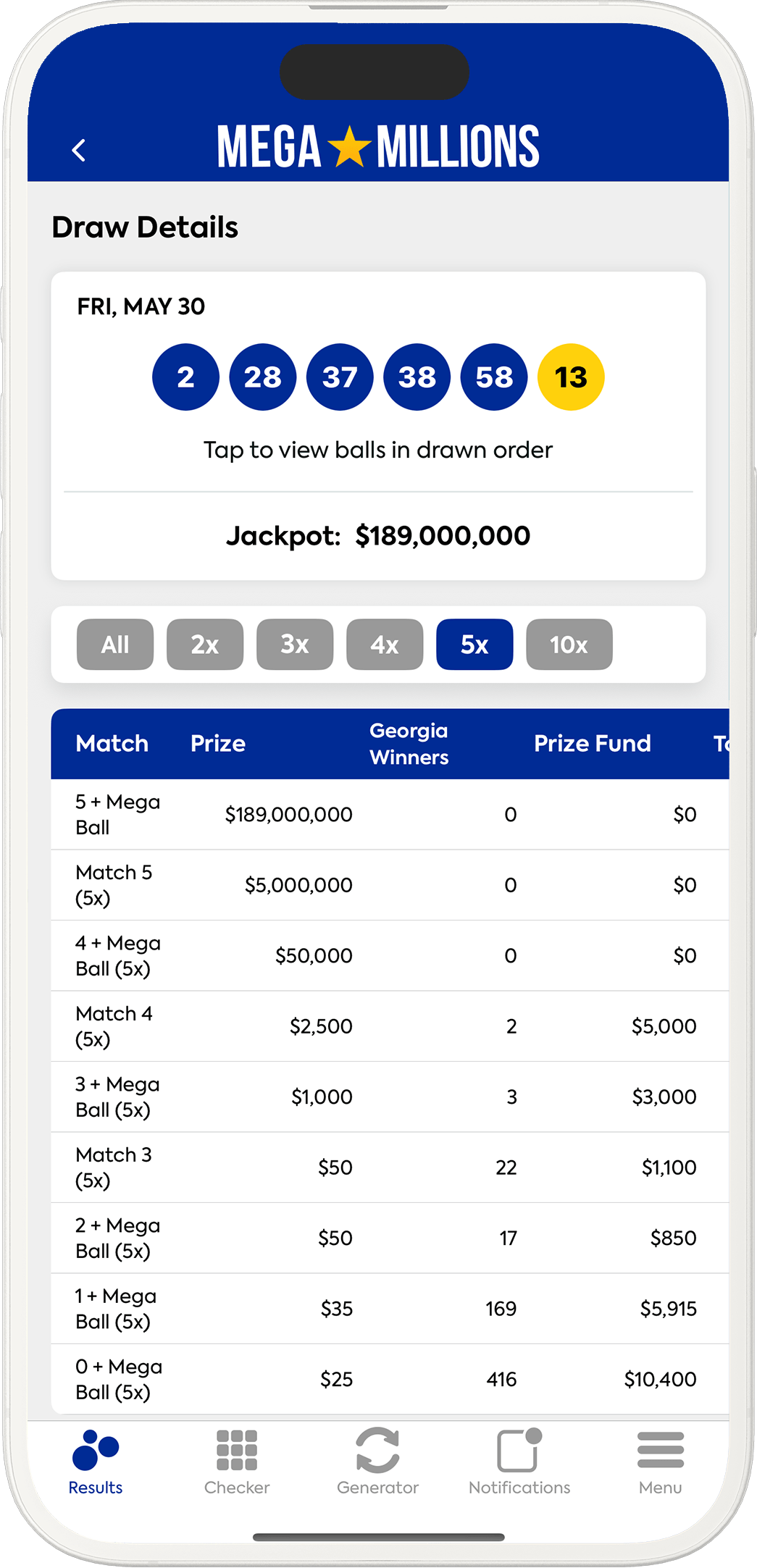
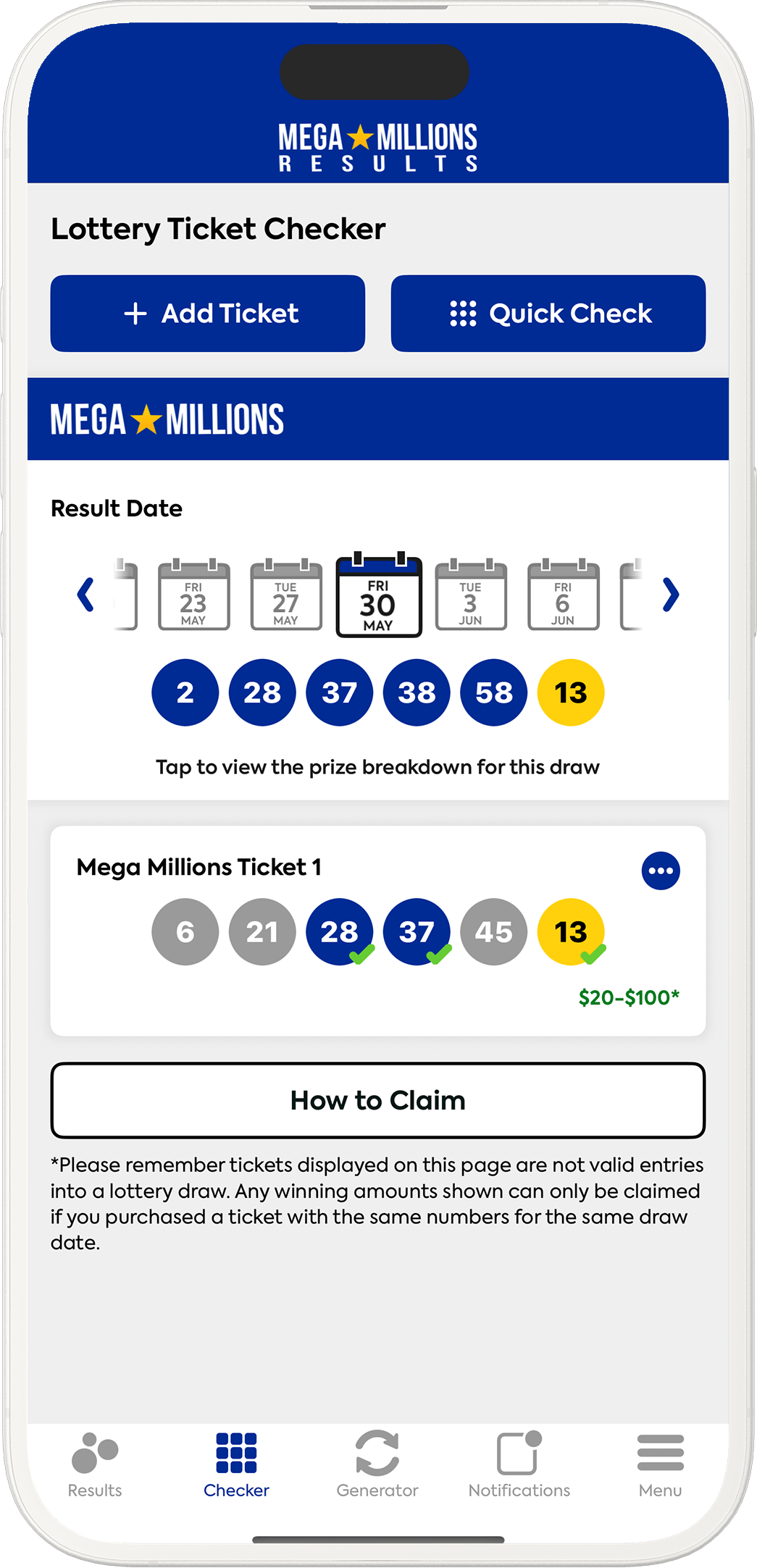
The Checker can be found through the menu and can be used in a couple of different ways, depending on how you play the game. If you have bought a single Quick Pick, it’s best just to carry out a quick check – enter your numbers and the app will show you all previous results, highlighting any matches and how much those numbers have won.
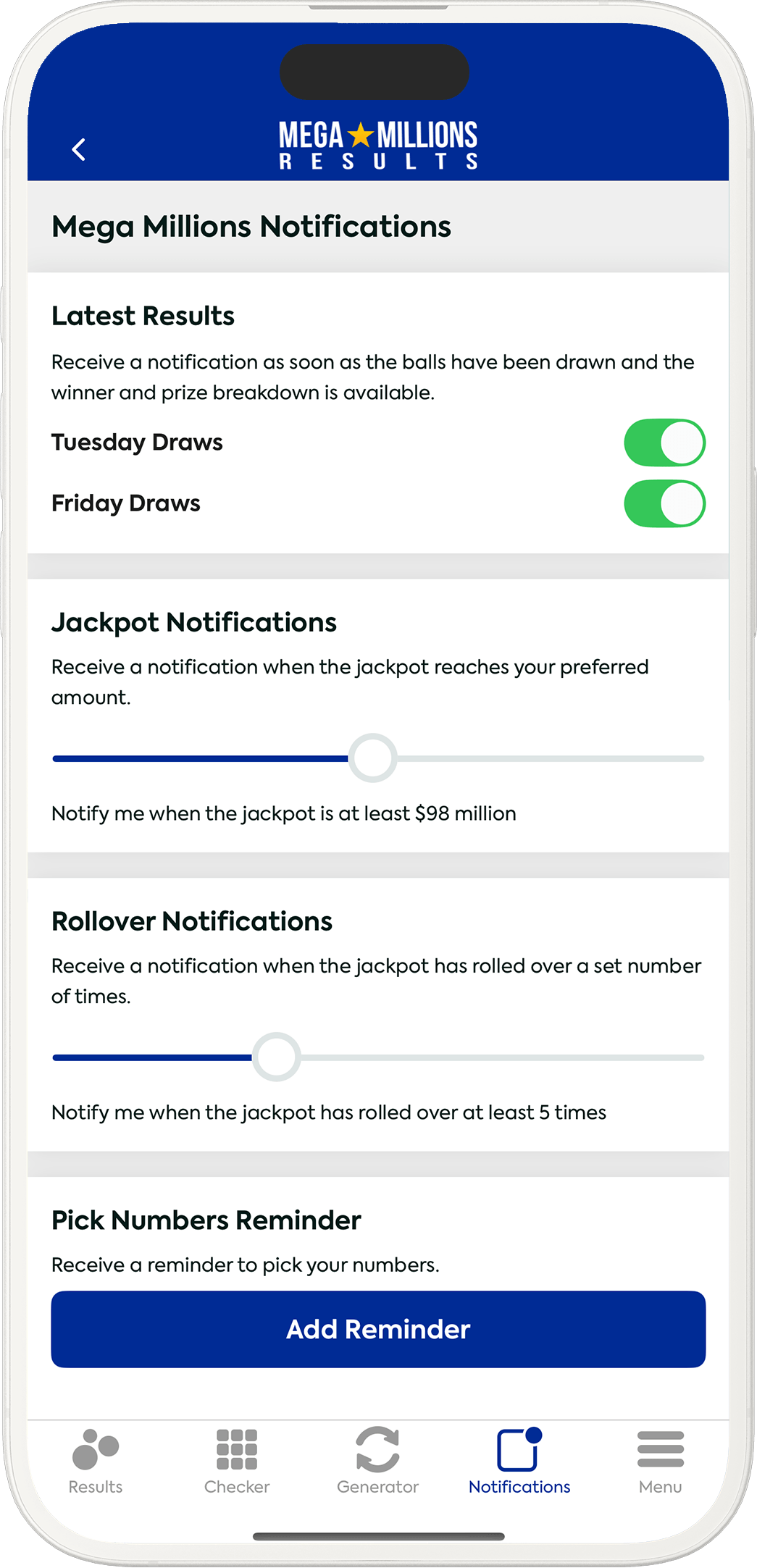
You don’t even need to remember to check the app if you enable notifications. You’ll get an alert as soon as the results have been announced or when prize information is released. You can also set up a reminder to pick numbers at a time that suits you, or keep track of how the jackpot is progressing by requesting to get a notification when it hits a specific value. You are in total control of the different types of alert you get.